← All work
TikMaker
- What it is
- A video editor and design system for short vertical (9:16) TikTok, Reels and Shorts videos. Videos no longer need to be edited by hand: they're assembled from ready-made scenes, visuals and animations, so every video looks consistent and gets made faster.
- Status
- A working tool I use for my own content.
A timeline like in an editing app
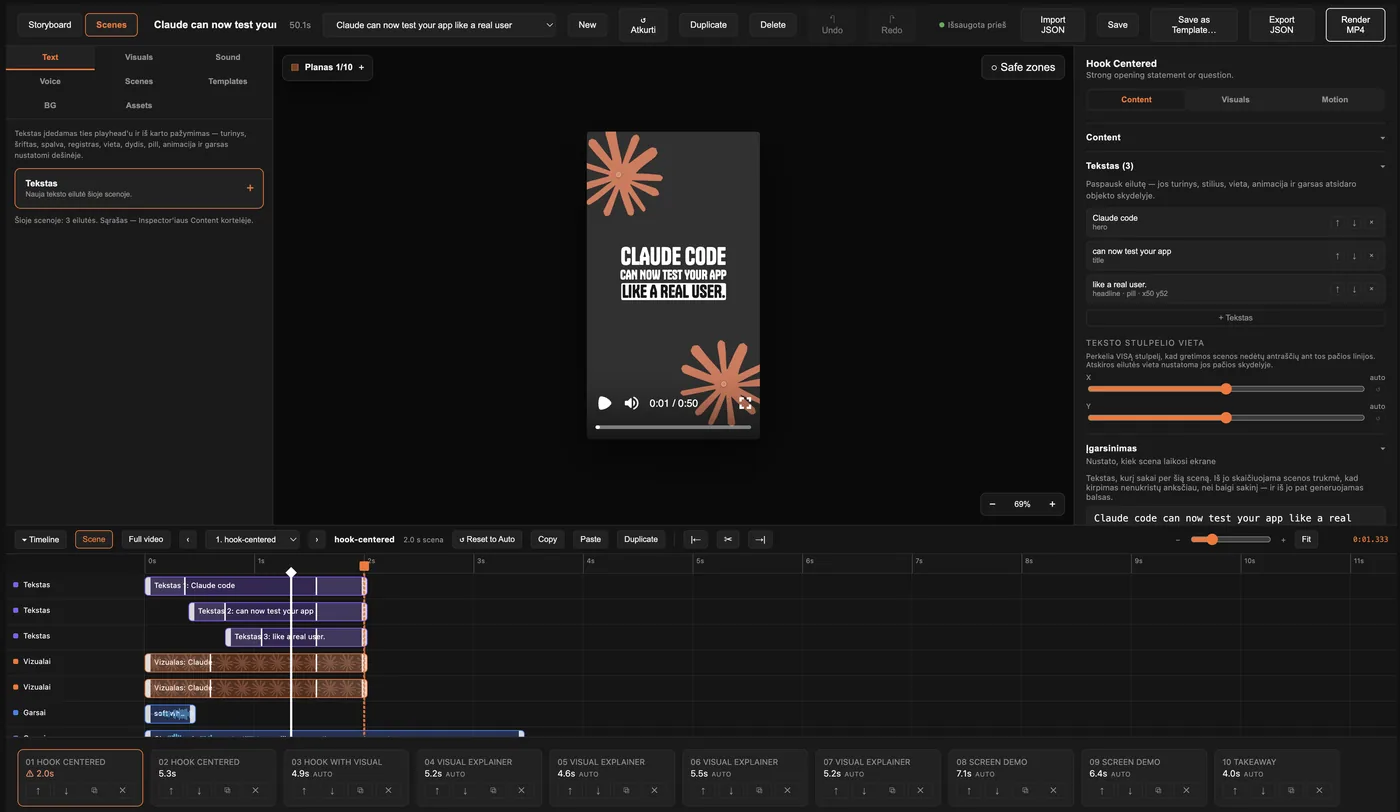
The experience of a professional editing app, adapted to this system: every element can be placed precisely in time without any other software.
- Clips are dragged in time and between rows and snap to scene edges, the playhead and other clips.
- Keyframes change position and scale over time and can be dragged.
- Copy, paste, duplicate (Ctrl+C / V / D), and swap an element's file while keeping its animations.
- Audio waveforms on the timeline.
- Any action can be undone and redone.
A design system that doesn't let you make mistakes
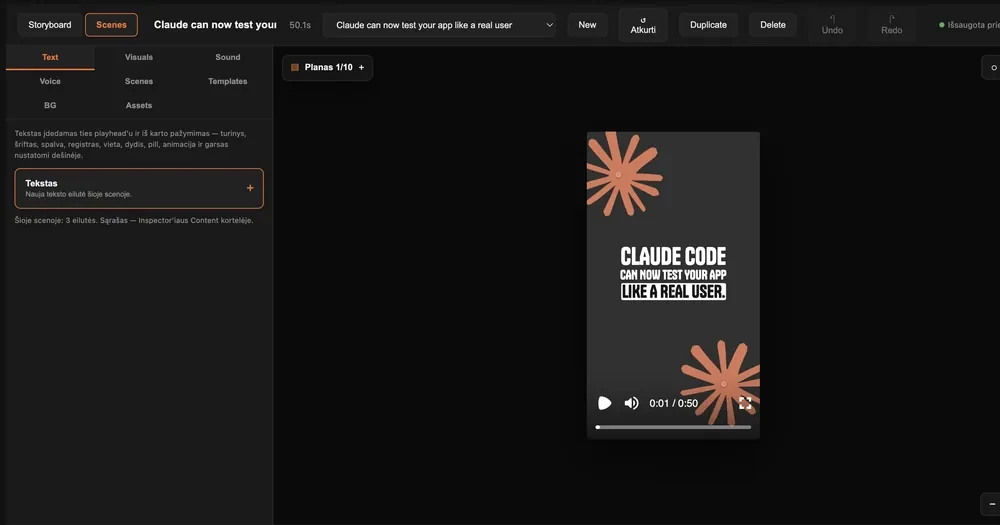
Videos aren't drawn from scratch but assembled from proven parts. Text never spills out of the frame, scenes aren't cut too early, and the style is always consistent.
- 7 scene types, 25 visual types (terminal, code diffs, browser and phone mockups, diagrams, statistics) and 7 backgrounds.
- Scene length is calculated automatically from the voice-over text and the reading time of on-screen text.
- Layout templates fit each visual into the safe zone that TikTok's interface doesn't cover.
- An element can travel smoothly from one scene to the next.
- The editor warns about a scene that's too short, an overcrowded frame or code lines that are too long.
From text to voice, subtitles and MP4
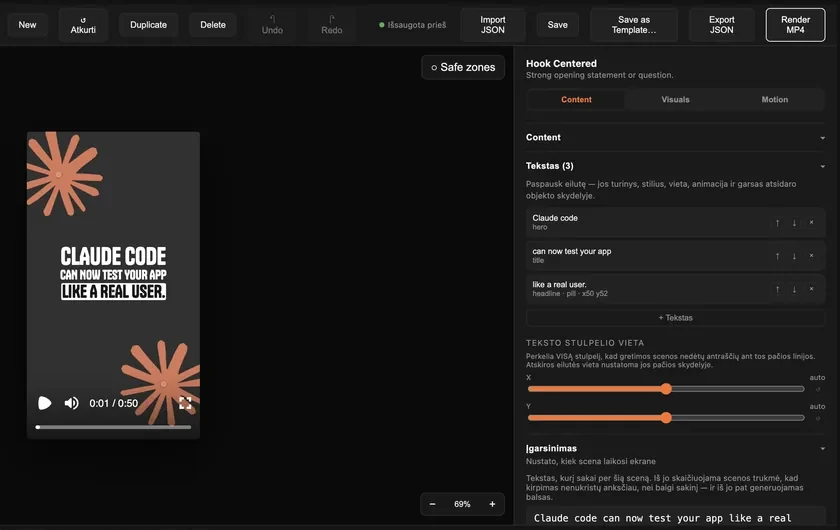
From written text the system creates the voice-over and TikTok-style subtitles itself, and renders the final video with one button.
- The voice-over is generated with ElevenLabs, and voice settings are saved.
- Subtitles are built from each word's timing: groups of 2–3 words with the spoken word highlighted.
- When an audio clip is moved or trimmed, the subtitles move with it.
- MP4 renders in the background, with progress shown in percent.
Technical side
- Role
- I built the whole tool on my own: the editor, the video engine, the server and the tests.
- Decisions
- Video as data: the whole project is JSON validated with Zod schemas. The same schemas are used in the editor, the server API and on import, and old project files are upgraded automatically rather than rejected. An AI agent can generate a project script, and it's validated straight away.
- Type-safe API: tRPC between server and client, so an API change shows up as a compile error. Server data lives in TanStack Query, editable state in Zustand with undo history. Autosave runs only when the project has actually changed.
- Layout that can't overflow: every visual knows its natural size, and templates scale it to the safe zone.
- One animation system: entrances, exits, keyframes and transitions each have one implementation, and scene timing is calculated in one place.
- Automation: dropped-in files appear in the editor immediately, uploaded screen recordings are transcoded for frame-accurate scrubbing, and the API is covered by tests.
- Scale
- 113 components · 7 scene and 25 visual types · 44 visual templates · 109 tests · 27 API procedures
- Stack
- React, TypeScript, Vite, Mantine, Tailwind CSS, Zustand, TanStack Query · Remotion · Node.js, Express, tRPC, Zod · Vitest, supertest · ffmpeg · ElevenLabs